+44 118 425 2191
An older desktop tower standing open beside a modern panel on the studio bench, tooling laid out for a migration assessment.
New builds Modernisation Packaging Working alongside

What this studio builds, and what it refuses to

The service list is short on purpose. Elmhurst Enterprises does three things well: building new Windows desktop software, modernising desktop applications that already exist, and packaging them so they install and update properly on machines you may not control.

The engagement

A short scope, drawn correctly

We work with UK businesses, mostly on line-of-business software where the users are known by name and the requirements come from an operations team rather than a product roadmap. The scoping step answers one question first: is the job you need done a build, a modernisation, or something smaller than either?

Built with
C# and XAML — WinUI 3 for Windows-only, .NET MAUI when macOS or mobile is genuinely in scope
.NET 8 target
Delivered as
A working program, an installer, and build notes — not a prototype that needs another six months
MSIX package
Signed for
Managed machines that do not let users install whatever they find — signing and the installer path tested on a managed laptop, not just a developer's
Tested on managed hardware
Handover
Written so your team can continue without us, whether you keep a support arrangement or take the source internally
Notes in scope

Everything else on this page is a version of those three. Read the sections in order and you will see how the studio decides which one applies.

The services

Three things done well

Each row below is one service, with the answering fact measured on the right. Where a service has a boundary — the point at which the work stops being right for you — we say so rather than list everything we could sell.

New builds

New desktop applications

Most new builds start as a conversation about a job currently done badly: a spreadsheet three people edit and nobody trusts, a manual process held together by one person's memory, a purchased tool that almost fits and costs a licence per seat. We scope the smallest version that solves the actual problem.

Latest .NET, Windows-first
Modernisation

Modernising an existing app

Windows Forms applications are still common in UK operations, and Microsoft continues to list the framework for enterprise desktop software. A working app from 2011 is not automatically a problem. The problem is usually one of four: it will not run on a current Windows version, the original developer is gone, a key component is unsupported, or it cannot be deployed through the organisation's management tooling.

We assess against those, not against fashion. Some projects end with a targeted fix and an afternoon's documentation. Others move to WPF — which Microsoft still references for enterprise desktop systems — or to WinUI 3 for a longer-term Windows-native path. Staged migration, where the old build keeps running while the new one proves itself workflow by workflow, is often the least disruptive route.


Assessed, not replaced
Cross-platform

Cross-platform, when it is genuinely warranted

If your users are on Windows and nothing else, a cross-platform framework adds weight for no benefit. If a meaningful part of your audience is on macOS, or your team needs a mobile companion app, the arithmetic changes. Electron remains one of the most established desktop frameworks in active use, bundling Chromium and Node.js so a web team can ship a desktop program without learning a new UI toolkit. .NET MAUI targets Windows and macOS for desktop plus Android and iOS, using the same C# and XAML a .NET team already writes. We will tell you which one fits your team's skills rather than ours.

Your team's skills first
Packaging

Packaging, signing and deployment

MSIX is Microsoft's packaging format for Windows apps and is used widely in enterprise desktop workflows. It matters because most UK businesses do not let users install whatever they find. Software arrives through a management platform, gets signed, and has to be removable without leaving debris behind. Packaging and signing sit inside our projects from the start, which means the installer path is tested on a managed machine, not just on a developer's laptop — and the update mechanism is decided before launch rather than after the first bug fix.

In scope from day one
Line-of-business

Line-of-business software, specifically

Internal business software has a different success condition from a consumer product. Nobody needs to love it. They need it to open on Monday morning, hold the data correctly, print what it always printed, and be fixable by someone who is not the original author. That shapes the build. Configuration lives outside the binary. Errors are logged somewhere a support person can find them. The source is organised so that a developer joining in two years can find the part that calculates the thing. It is not exciting work and it is most of what we do.

Supportable by others

On the bench

What a handover actually looks like

A finished project leaves the bench as a signed package and a written scope, not as a folder of files in an email.

A signed package and folded scope being handed across the studio bench, an amber indicator lit in the background.

The handover, not the demo

Every delivery is a signed MSIX package card and a scope that says exactly what was built and what was not. The point is not the screenshot of the launch — it is the row of facts a support person can rely on six weeks later.

Framework

WinUI 3 for Windows-only builds. .NET MAUI when macOS or mobile is genuinely in scope. WPF when an established Windows toolkit is safest for a staged migration.

Output

A program, an installer, and build notes. Configuration lives outside the binary so support does not need a rebuild to change a setting.

Distribution

MSIX through your management tooling, signed and removable without debris.

Support

Per project. Arranged, or taken internally — both fine.

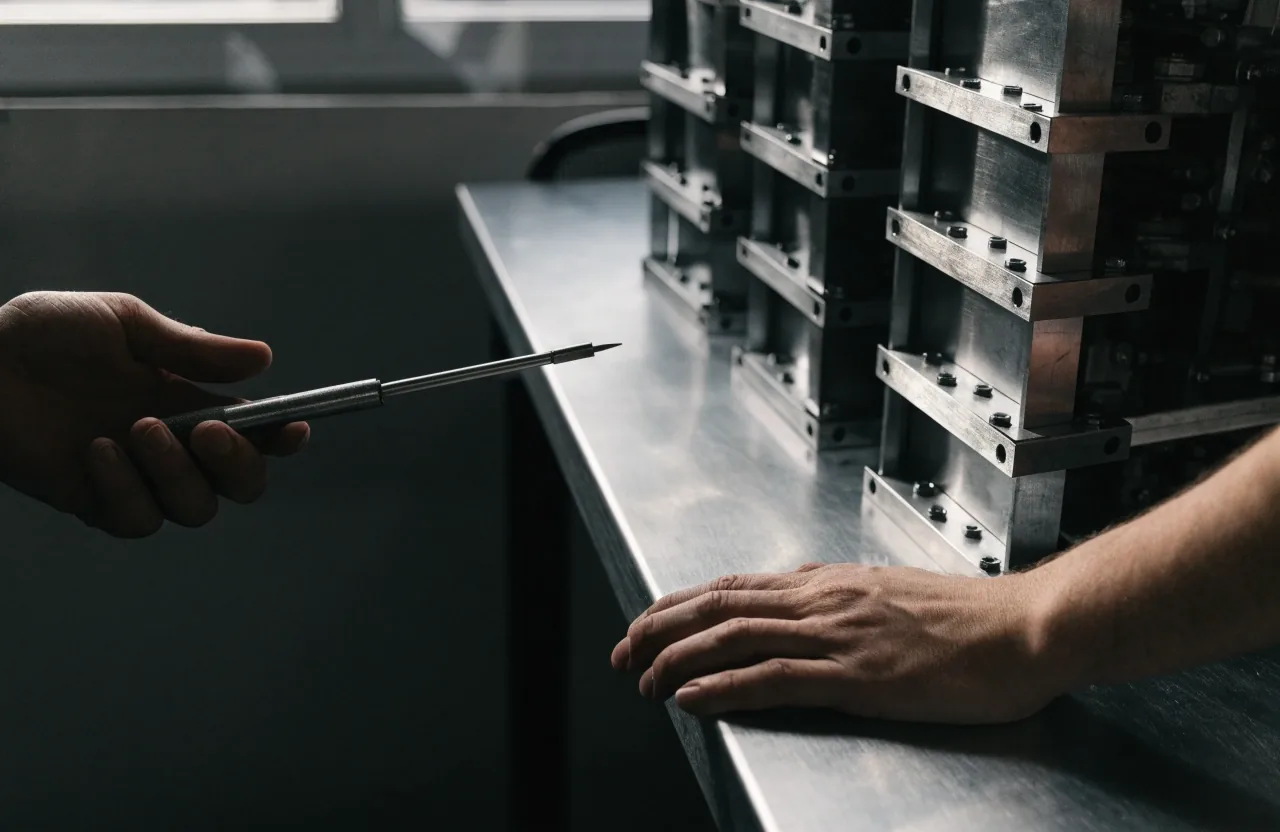
Two hands at the bench, one pointing at a tool, the other resting on the edge of an open tower.

Working alongside

In your repository, on your review process

Some clients have an in-house team and need desktop expertise for a defined stretch. That might be native Windows work on a product that is currently web-only, or a legacy system that one internal developer maintains alongside everything else.

We can work in your repository, follow your review process and hand over at the end of the engagement. The point is to leave your team able to continue, not to make ourselves permanently necessary. Handover notes are part of the scope, not a favour.

What we decline

The work this studio turns down

A short list of jobs we have learned to say no to, and why saying no is part of the service.

Lowest cost, no scope
We do not take on work where the only stated goal is the lowest possible cost with no scope discussion, because it ends badly for both sides.
Rebuild when a change fits
We do not rebuild an application from scratch when a targeted change would do.
Un-assessed fixed date
We do not promise a fixed delivery date on work we have not assessed.
Desktop without packaging
We do not deliver a desktop app without packaging. If the plan is to email a folder of files to the IT team and hope, we are the wrong studio.

Scoping a project

What you get before anyone builds

A scope document from us describes what will be built, what will not, what we need from you, and how we will know it works.

  1. 01

    A short call and existing material

    For a new application, scoping usually takes a short call and a review of any existing drawings, spreadsheets or notes you already have. We read them against what we would do differently and tell you.

  2. 02

    A look at the current software

    For a modernisation it follows a look at the current software and, where possible, its source. That is where we find out whether a targeted change will do, or whether the system you asked us to replace is load-bearing.

  3. 03

    A written scope, priced honestly

    The scoping step is not free on larger projects, and we will say so upfront. It is cheaper than discovering in month three that the assumptions did not hold.

  4. 04

    A shared picture before the build

    Both sides agree on what will be built, what will not, and what will be handed over at the end. Nothing starts until the drawing matches what you meant.

Questions we hear

Before you send a scope

Four questions we are asked most often by operations leads and in-house developers.

Can you work from a specification we have already written?

Yes. Send it over and we will read it against what we would do differently, then tell you. Occasionally the specification describes a web application, which is a different piece of work and worth knowing before anyone starts.

Do you provide ongoing support after delivery?

It is arranged per project rather than as a standard package. Some clients take a support arrangement, others take the source and handle it internally. Both are fine, and the handover is written with either outcome in mind.

What if the existing application has no source code available?

It happens. Without source, a modernisation becomes a rebuild informed by watching the old software behave. That is a bigger piece of work and we will scope it honestly rather than guessing.

Can you deploy to machines we manage ourselves?

MSIX packaging is designed for exactly that, including deployment through common management tooling. We will need to understand your environment during scoping so the installer works the first time.

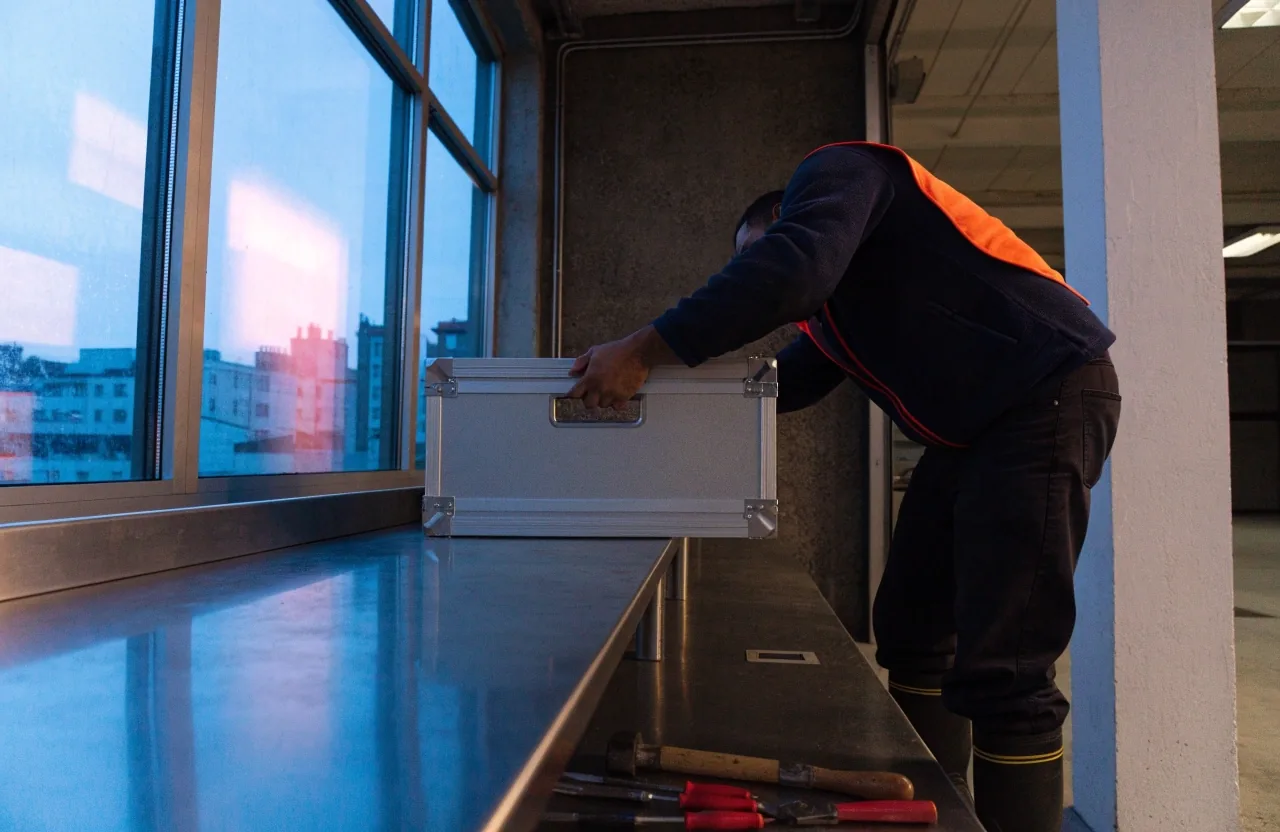
The studio bench at rest: tools laid down and a closed fanless case screwed shut under cool daylight.

Find the studio

One address, one bench

Elmhurst Enterprises works from a single workshop in Calcot. If your job sounds like one of the services on this page, send the details and we will tell you honestly which of the three it is — or whether none of them fit.

Address 8 Mill Lane, Calcot, Reading, England
Hours Monday to Friday, 9:00 AM – 6:00 PM

8 Mill Lane, Calcot, Reading